Peek AI
Interacted with chatbots via a MacOS menu bar app.
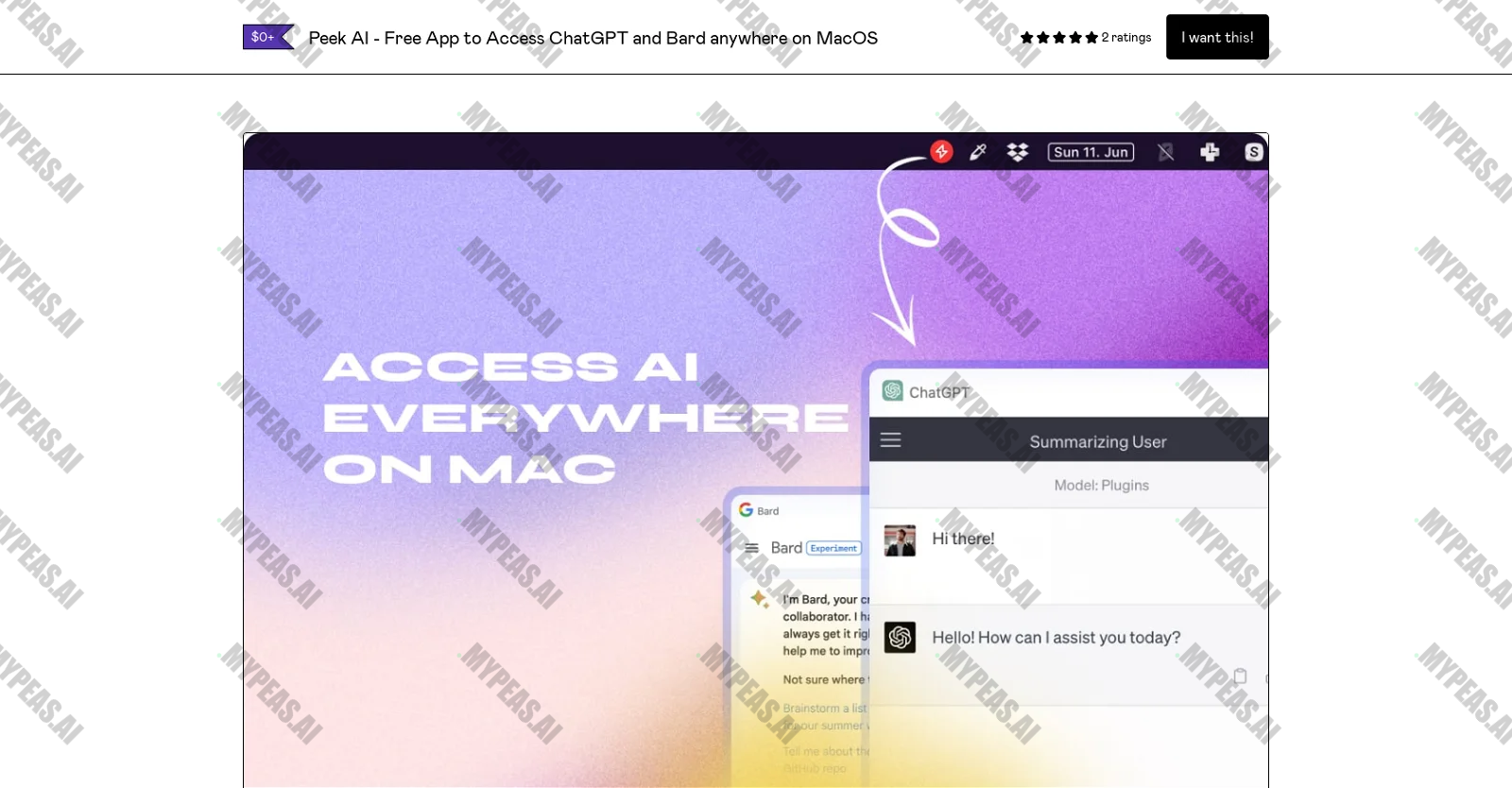
About Peek AI
Introducing Peek AI, a revolutionary MacOS Menu Bar application that allows users to interact with multiple AI chatbots, including OpenAI's ChatGPT, Google's Bard, Pi by Inflection AI, and Perplexity AI. Experience a seamless and intuitive user interface with Peek AI, where you can effortlessly switch between different chatbots using a convenient dropdown menu. One of the key highlights of Peek AI is its strong emphasis on privacy – acting as a webview of the respective platforms, ensuring that no data passes through the application itself. As an interface, Peek AI guarantees that all data transmission happens directly through the AI chatbot platforms, eliminating the need for API keys and simplifying the user experience by requiring only existing account logins. But that's not all – Peek AI also offers a handy floating window that can be summoned with a keyboard shortcut and remains on top for easy multitasking. Capture screenshots of your conversations effortlessly using keyboard shortcuts, saving them locally or copying them to the clipboard. With a convenient system Menu Bar icon for quick access and support for dark mode, Peek AI is the ultimate tool for anyone looking to engage with AI chatbots – whether you're a developer, writer, student, or simply curious about exploring AI capabilities. Installing Peek AI is a breeze – just download the latest release, move it to your application folder, and launch the app. From there, you can seamlessly switch between chatbots, toggle the window, capture screenshots, and more. And if you have any queries, feedback, or suggestions, feel free to reach out to the developer on Twitter.










Track the Impact of Your AI Usage
Document your productivity gains and build your AI portfolio for performance reviews
Start Tracking Free